Guides
How to launch a marketplace: a step-by-step guide for retailers
23 October 2026
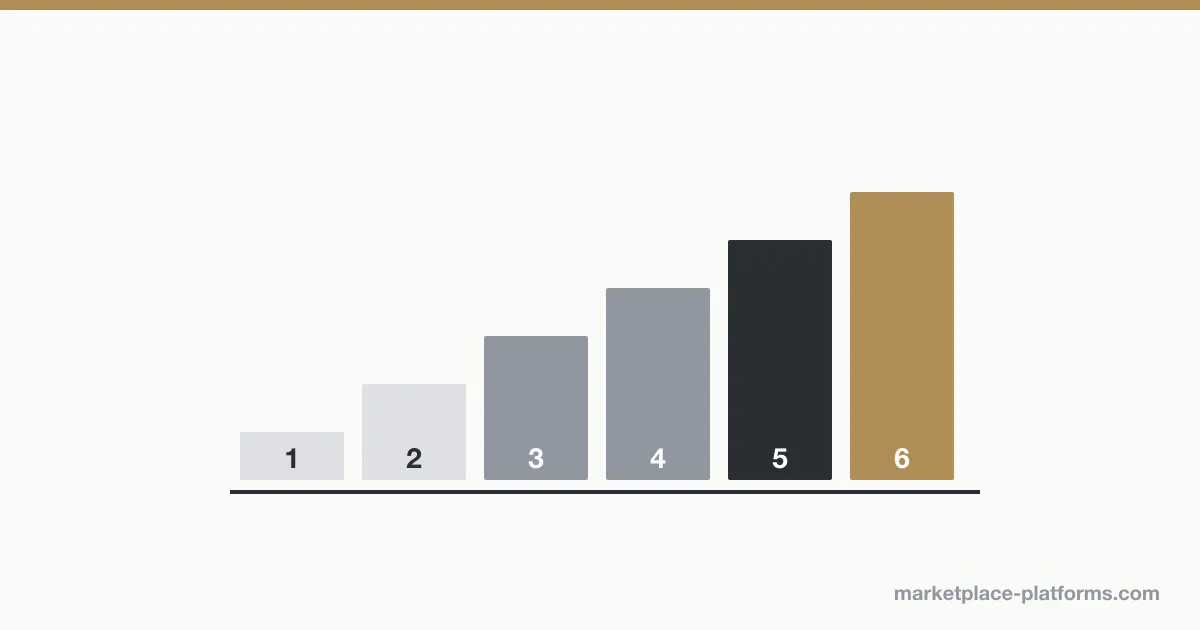
To launch a marketplace, a retailer decides what it wants third-party sellers to add to its range, sets the commercial and quality rules those sellers must follow, chooses a marketplace platform that plugs into its existing ecommerce site, recruits a first wave of sellers before going live, and launches in one or two categories before widening. The software is one step of six, and rarely the hardest.
1. Decide what the marketplace is for
Most retailer marketplaces have one of three aims: extending the range (more products without more stock), testing categories before buying them, or monetising traffic through commissions and, increasingly, retail media sold to sellers. The aim decides everything that follows: which sellers you want, what commission you charge and how strict your catalogue rules are.
A related choice is the model. A third-party marketplace lets independent sellers list and ship their products; a dropship model lets approved suppliers ship on your behalf, with you setting the price. Many large retailers now run both. 14 of the 43 platforms in our ranking state dropship support.
2. Set the rules sellers will follow
- Commission: per category, usually a percentage of the sale.
- Catalogue quality: mandatory attributes, image standards, and who validates new products.
- Service levels: delivery times, returns policy, response times, and what happens to sellers who miss them.
- Compliance: product safety, and in the UK and EU the platform-reporting rules that apply to marketplace operators (DAC7 in the EU).
3. Plan payments and VAT
Marketplaces collect the customer’s payment and pay each seller their share, minus commission. That requires split payments, seller identity checks (KYC) and payout schedules, often through a payment partner such as Stripe, Adyen or Mangopay. In the UK and EU, the marketplace may also be liable for VAT on some third-party sales: take tax advice before launch.
4. Choose the marketplace platform
The main fork is whether you keep your current ecommerce storefront:
- Keep it: an enterprise marketplace platform adds the marketplace layer alongside it.
- Replace it anyway: a commerce platform with a marketplace module brings storefront and marketplace together.
- Test small: a marketplace builder or plugin is faster and cheaper.
The highest-scoring platforms for retailers in our ranking:
| Rank | Platform | Score | Type | Pricing |
|---|---|---|---|---|
| 1 | Mirakl | 90.1/100 | Enterprise marketplace platform | Quote-based |
| 3 | VTEX | 79/100 | Commerce platform with marketplace module | Quote-based |
| 5 | Marketplacer | 68.6/100 | Enterprise marketplace platform | Quote-based |
| 8 | Logicbroker | 65.7/100 | Dropship & supplier network | Quote-based (demo / talk to sales) |
| 10 | Webkul | 63.6/100 | Marketplace builder, plugin or script | From 349 USD (one-time licence) |
| 12 | Ultra Commerce | 58.6/100 | Enterprise marketplace platform | Quote-based |
| 15 | Spree Commerce | 57/100 | Commerce platform with marketplace module | Free open source; Enterprise Edition quote-based |
| 18 | Rokt Catalog | 52.9/100 | Dropship & supplier network | Commission on sales for brands (5% via Shopify app); retailer terms not published |
5. Recruit sellers before launch
A marketplace with ten sellers looks empty. Recruit a first wave of sellers in your launch categories, help them load their catalogues, and test the full order cycle — order, shipping, returns, payout — with them before customers see it.
6. Launch narrow, then widen
Start with one or two categories where the range gap is obvious, measure conversion, returns and seller service levels for a few months, then open more categories. Large UK launches have followed this path: see which UK and European retailers use Mirakl.
Next: how to choose a marketplace platform and what marketplace software costs.
Was this guide useful?
Get the next guide and every ranking update by email.
Ranking updates only. Unsubscribe at any time. See our privacy policy.